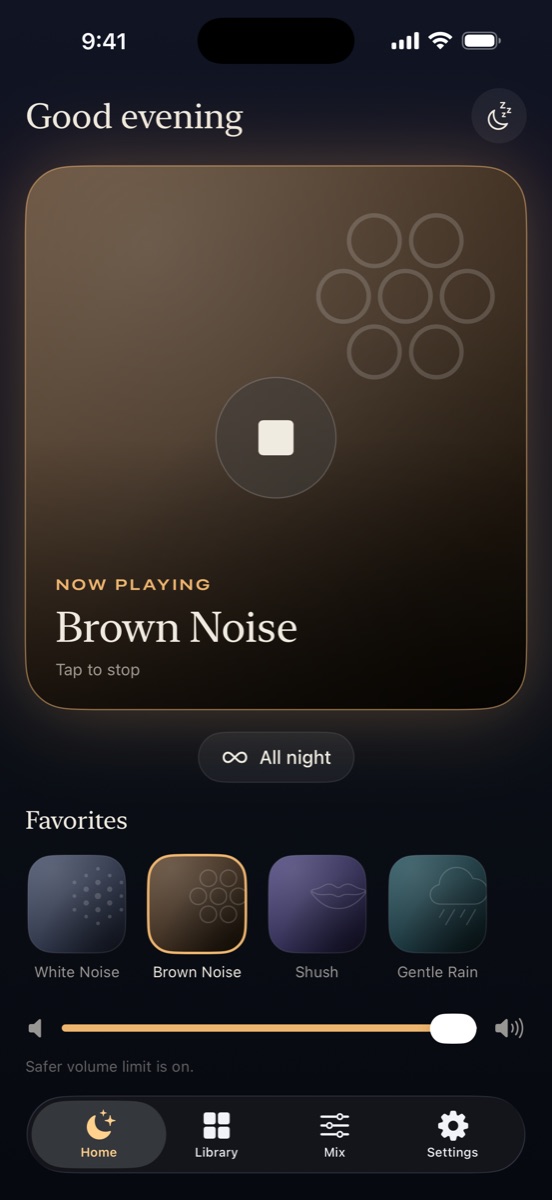
One click from any tab
Click the moon in your toolbar and your sound starts. It keeps playing when you close the popup or switch tabs, and Alt+Shift+N plays or stops it from anywhere.
 Sleepy Noise
Sleepy Noise for Chrome
White, brown and pink noise one click from any tab, with focus sessions that fade out when it's time for a break. Then take the same sounds to bed with the app.
Free · No account · Prefer your browser as is? Play focus sounds here
What it does
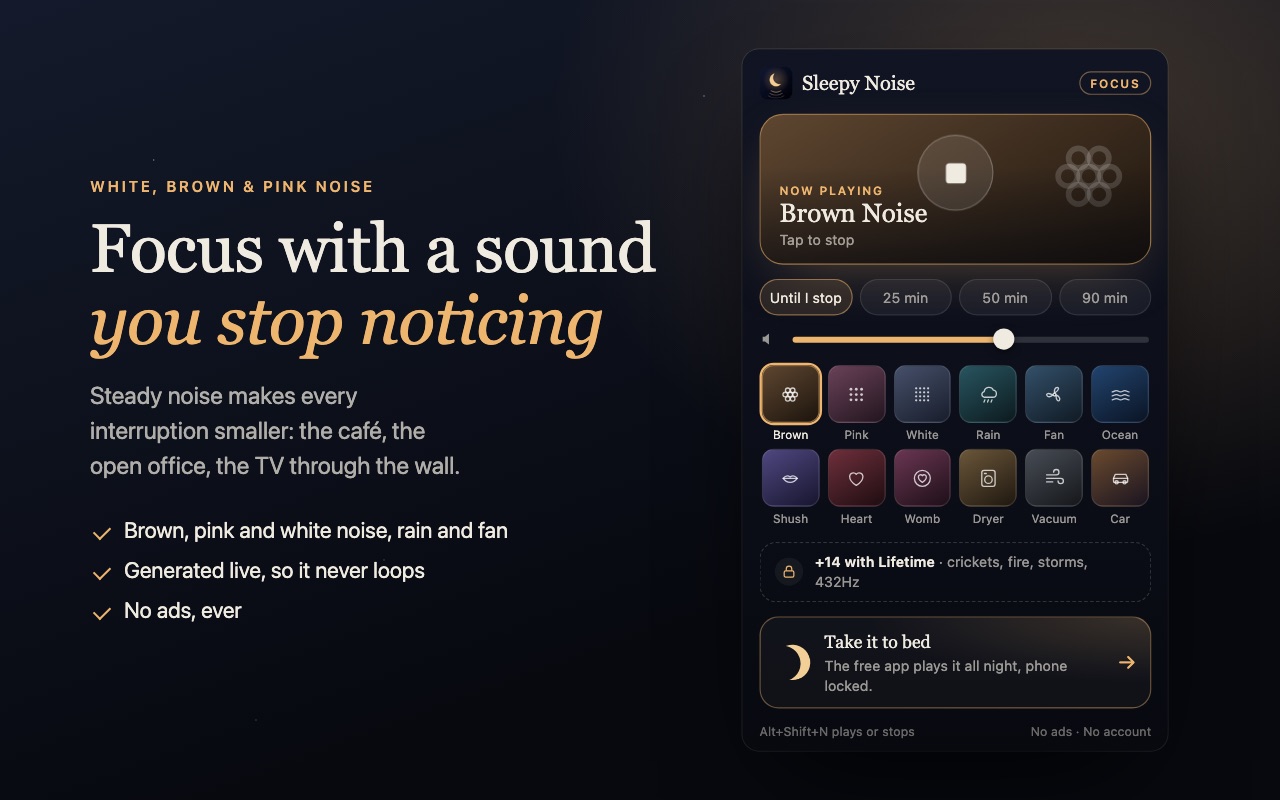
Click the moon in your toolbar and your sound starts. It keeps playing when you close the popup or switch tabs, and Alt+Shift+N plays or stops it from anywhere.
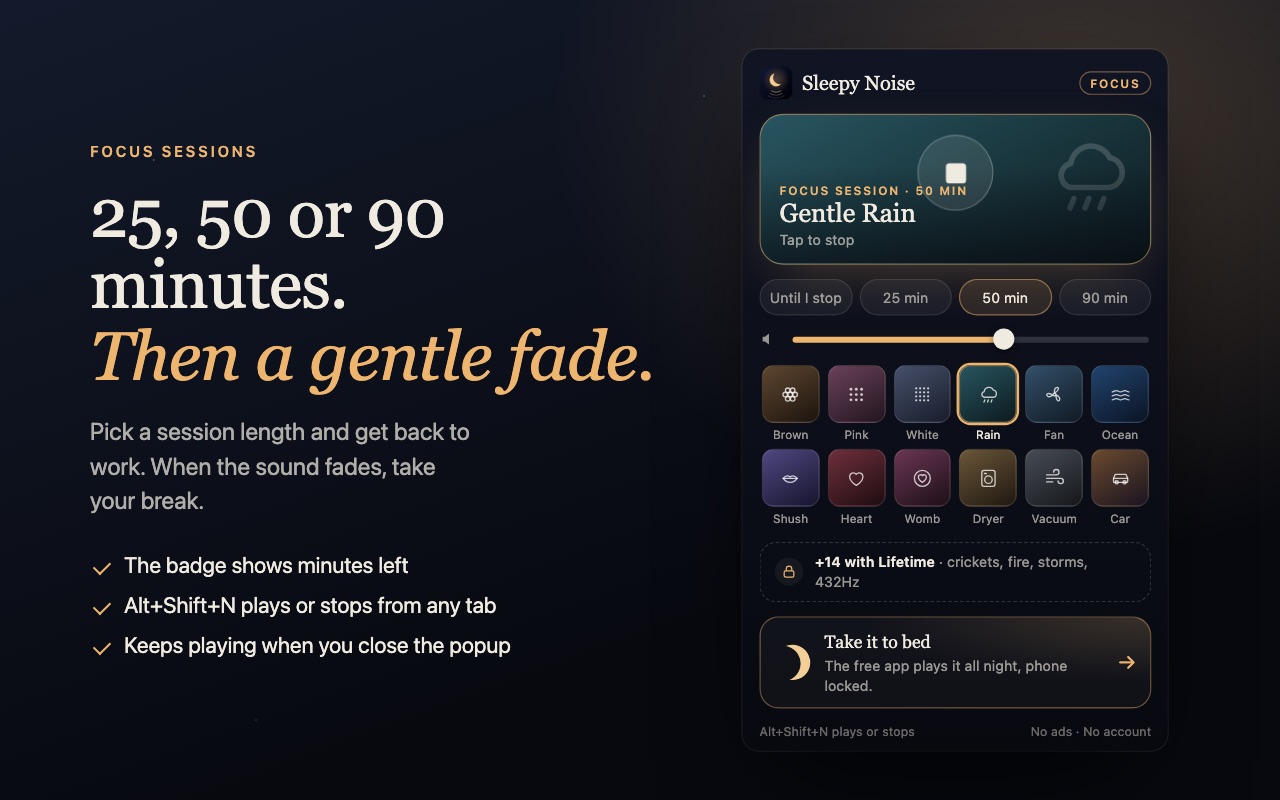
Pick 25, 50 or 90 minutes. The toolbar badge counts down, and the sound fades out over 20 seconds at the end, a gentle cue to take a break instead of an alarm.
Brown, pink and white noise, gentle rain, a box fan, real ocean waves and more. Generated live or crossfaded, so nothing loops, and matched in loudness, so switching never jumps.
No ads, no account, no analytics. The extension collects nothing and needs no access to the pages you visit.
Which sound?
Brown noise is soft enough to sit inside for hours. Pink is an even all-day sound. White noise is strongest against a café or open office. Our studying and focus guide compares them, and brown noise for ADHD covers what the research says.
After you install
Questions
Yes. The 12 core sounds and focus sessions are free with no ads. Lifetime sound packs live in the phone app.
Yes. Sound keeps going across tabs until you stop it or a focus session ends. It stops if you quit Chrome.
It's built for Chrome and works in most Chromium browsers that install from the Chrome Web Store, including Brave and Microsoft Edge.
No. It has no analytics and no access to the sites you visit. It only remembers your sound, volume and timer on your computer.
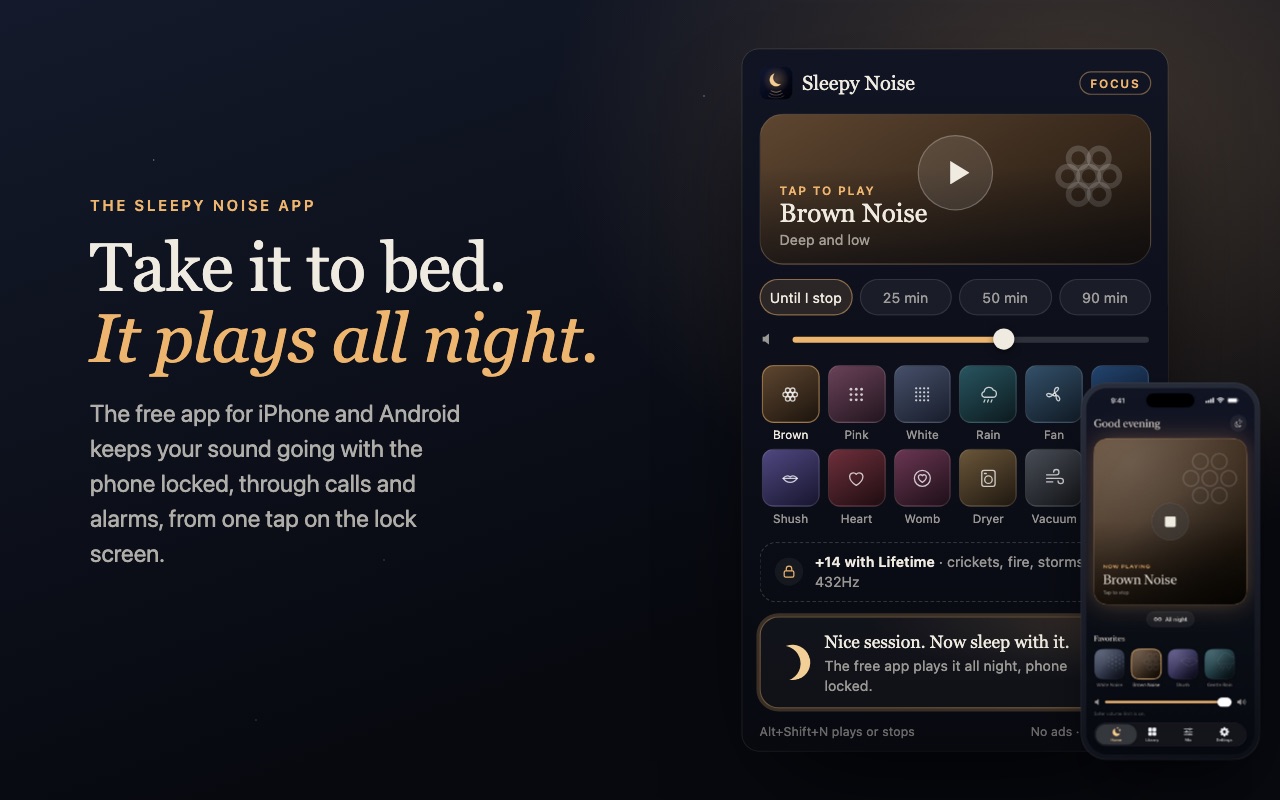
You can, but a phone on the nightstand is easier: the free Sleepy Noise app plays all night with the screen locked and starts from the lock screen in one tap.
Sleepy Noise for iPhone and Android
Liked it at your desk? The free Sleepy Noise app plays the same sounds all night with your phone locked, through calls and alarms, from one tap on the lock screen. No ads there either.